

Learn how to create a trending Gemini AI saree photo step-by-step using simple prompts. Beginner-friendly guide to generate realistic, viral AI saree images for Instagram and social media.
In this guide, I’ll show you exactly how to create a trending Gemini AI saree photo that looks realistic, classy, and social-media ready.
Why Gemini AI Saree Photos Are Going Viral
This trend works because it combines:
- Indian tradition (saree, jewelry, cultural backgrounds)
- AI realism (DSLR-style quality, perfect lighting)
- Easy creation (no editing or camera skills)
That’s why these photos perform well on:
- Instagram Reels
- Facebook posts
- WhatsApp DPs
- AI creator pages
What You Need Before Starting
Keep it simple. You only need:
- A Google account
- Access to Gemini AI
- A clear face photo (optional but recommended)
- An idea of the saree style you want
No paid tools required.
Step 1: Open Google Gemini AI
- Go to Gemini by Google
- Sign in with your Google account
- Start a new chat
- Make sure image generation is available
Step 2: Choose a Saree Style That’s Trending
Before writing any prompt, decide the look.
Popular trending styles:
- Red silk saree with golden border
- Banarasi saree with traditional jewelry
- White saree with temple background
- Pastel saree with soft cinematic lighting
- Bridal saree look
👉 Clear style = better AI results.
Step 3: Use a High-Quality Gemini AI Prompt (Most Important)
Your image quality depends mostly on the prompt.
Copy-Paste Prompt (Beginner Friendly)
Create an ultra-realistic portrait of an Indian woman wearing a traditional red silk saree
with a golden border. Elegant pose, soft natural expression, traditional jewelry.
Cinematic lighting, DSLR quality, shallow depth of field, realistic skin texture.
Background: blurred temple courtyard, warm tones, Instagram trending style.
Pro Tip:
Add words like:
- ultra-realistic
- cinematic lighting
- DSLR quality
- high detail
- Instagram trending
These guide Gemini toward better visuals.
Step 4: Upload Your Photo for Face Matching (Optional but Powerful)


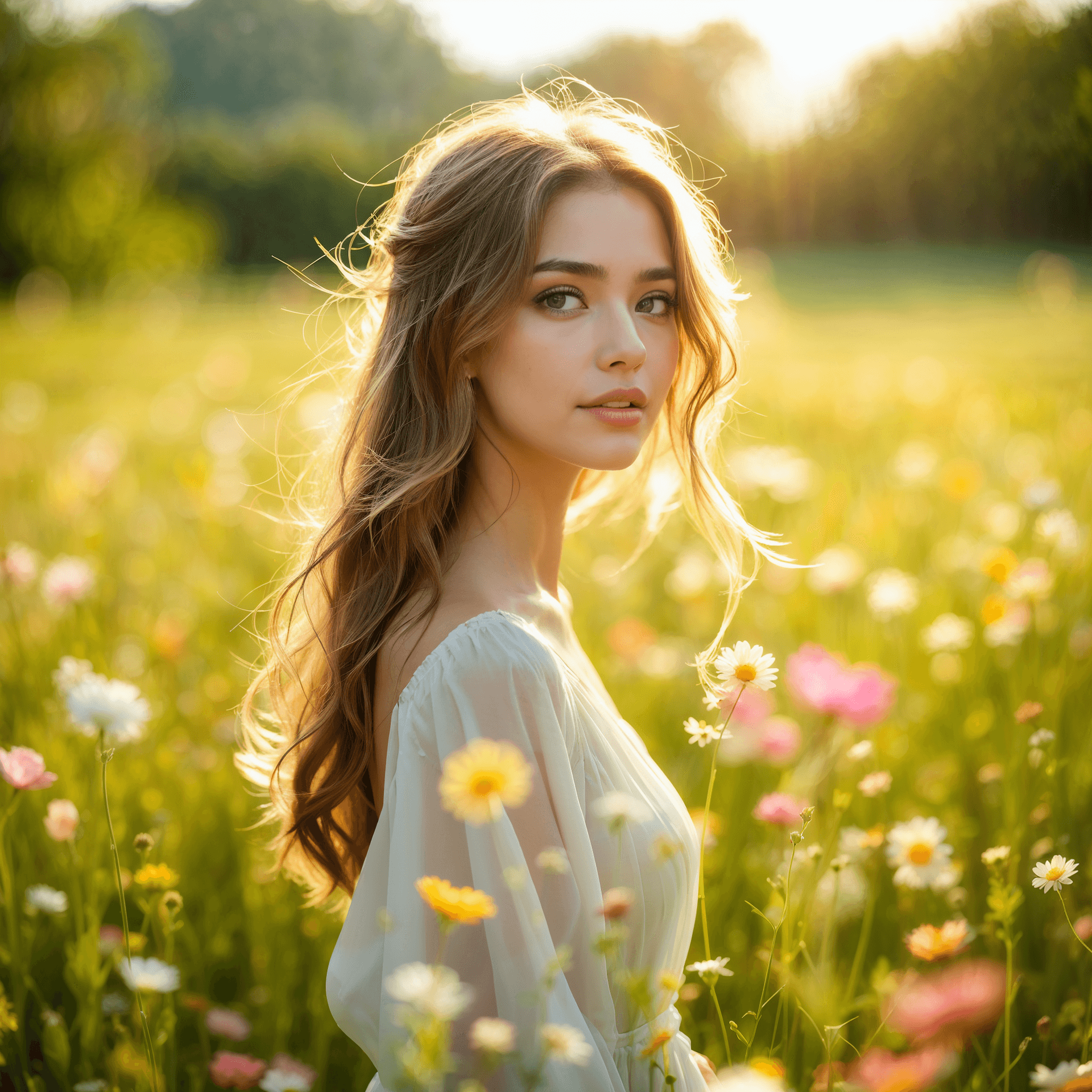
If you want the image to resemble you:
- Upload a clear front-facing photo
- No filters, no sunglasses
- Good lighting
Then add this line to the prompt:
“Use the uploaded image as face reference.”
This makes the result look personal and realistic.
Step 5: Regenerate & Refine (Creators Don’t Stop at One)
Don’t expect perfection on the first try.
Try changing:
- Saree color
- Background (palace, studio, temple)
- Lighting (soft, golden hour, cinematic)
- Pose (standing, side angle, slight smile)
Small changes = big improvement.
How to Make Your Gemini AI Saree Photo Look Viral
Creating the image is only half the work.
Best posting tips:
- Use 4:5 or 1:1 image ratio
- Add light background music (if posting as reel)
- Keep captions simple
Hashtags to use:
- #GeminiAI
- #AISaree
- #AIPhoto
- #TrendingAI
- #AIGirl
Simple caption idea:
“Traditional look, modern AI ✨ Saree never goes out of style.”
Common Mistakes to Avoid
❌ Writing very short prompts
❌ Using low-quality face photos
❌ Over-editing the AI image
❌ Expecting instant perfection
AI works best when you guide it patiently.
Is Gemini AI Free for This?
Yes.
You can create AI saree photos using Gemini’s free version, though:
- Daily limits may apply
- Prompt quality matters more than paid plans
Final Thoughts
The Gemini AI saree photo trend is popular because it’s:
- Easy
- Creative
- Cultural
- Visually powerful
With the right prompt and a little experimentation, you can create scroll-stopping AI saree photos without any technical skills.